
Rhino Commands
You can also execute Tunny's functions from Rhino commands.
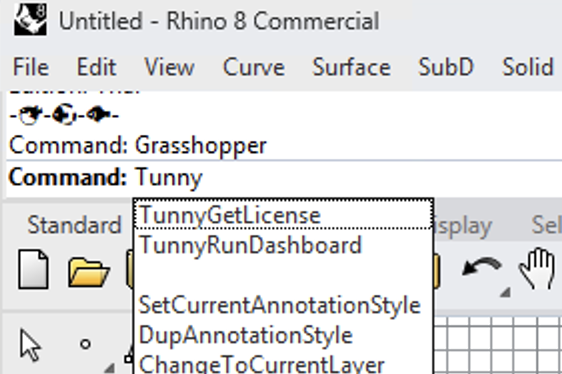
TunnyRunDashboard Command
Sometimes you want to check Tunny's optimization results without opening Grasshopper. In that case, use this command.
By selecting the target result file, you can launch Optuna-Dashboard to analyze the results without having to launch Grasshopper.
TunnyGetLicense Command
A license is required to use the full functionality of Tunny. If you have a license based on the Subscriptions page, you can use this command to reflect the license in Rhino.
TunnySaveMachineId Command
This command saves your Machine ID to a file, which is required to obtain a Node-Locked license. A Node-Locked license is tied to a specific machine via its Machine ID, so you need to provide this ID when applying for the license.
Run this command and send the saved Machine ID file to the license issuer when requesting a Node-Locked license.